Design Extractor
Rebuilding a site's look by hand means opening the developer tools on element after element and guessing at the spacing. Design Extractor reads the whole design system in one click and hands it to you in the format you work in.
- no account
- no tracking
- 7 permissions, each explained
- Chrome, Edge, Brave and Firefox 140+
- updated
What Design Extractor does.
Colours with their roles
Primary, background, text, muted text, surfaces, borders and the state colours, worked out from the site itself, not a pile of swatches. Copy any of them as HEX, RGB, HSL or OKLCH.
Contrast that is really checked
Every piece of text against what is really behind it, with the nearest colour that passes WCAG AA and the site's own colour that does.
Type in the site's own fonts
Families, the type scale and one style per element, drawn in the fonts the site loaded, with where to get each font.
Components, live
Buttons, inputs, links, cards, navigation, tabs, badges, alerts and more, drawn with the site's own styles. Hover, focus and press them: the states are the site's own rules.
Take it with you
An HTML document of the report with the sections you pick, DESIGN.md for an AI coding assistant, W3C design tokens, CSS variables with the site's dark values, or a Tailwind v4 theme. Read the file first, then download or copy it.
Pick any element
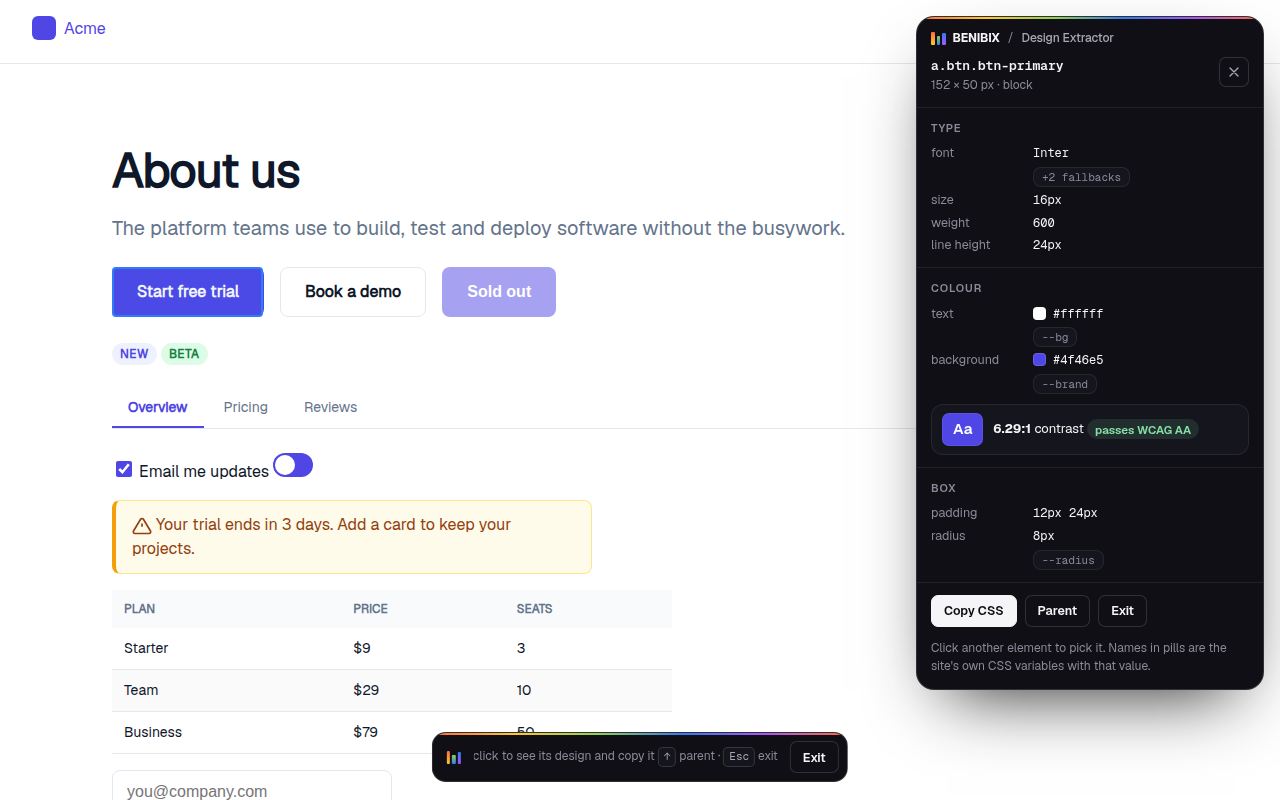
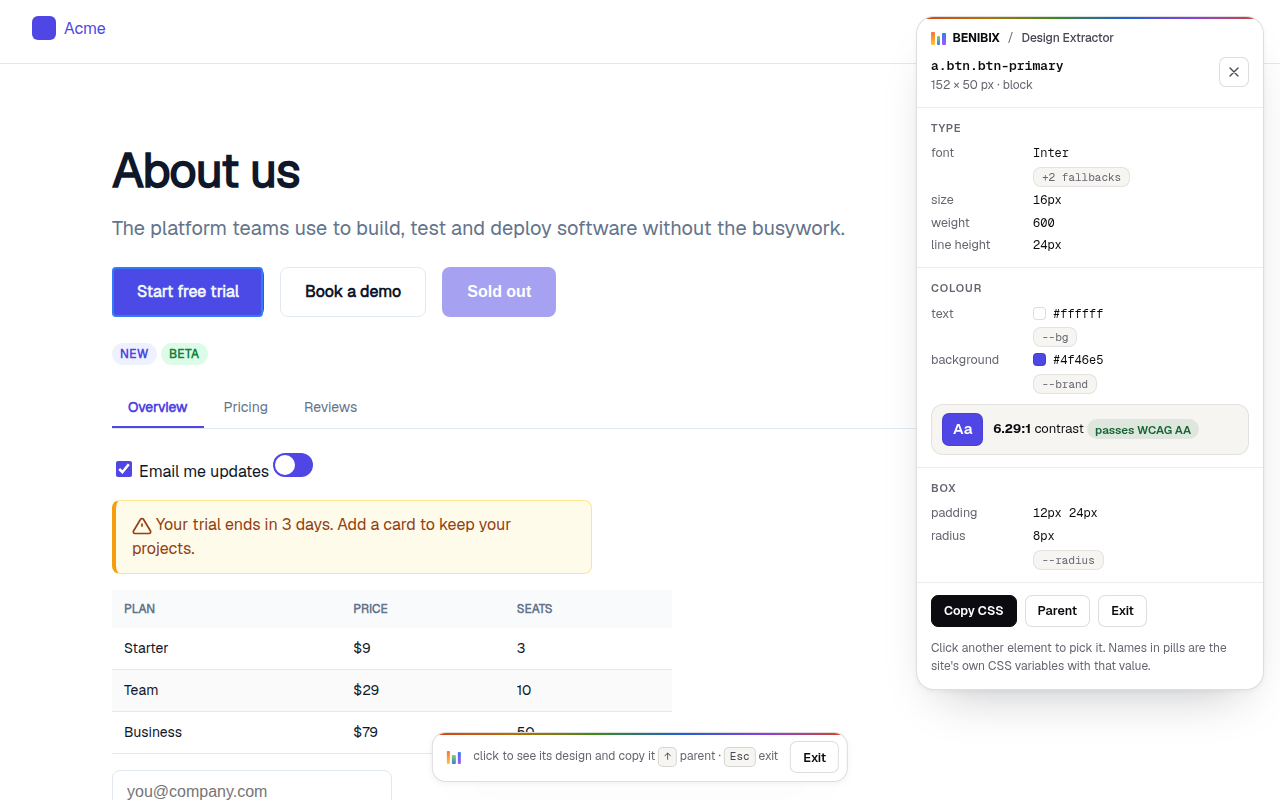
Point at anything on the page for its type, colours, contrast and spacing, with the site's own CSS variable names, and copy it as CSS.
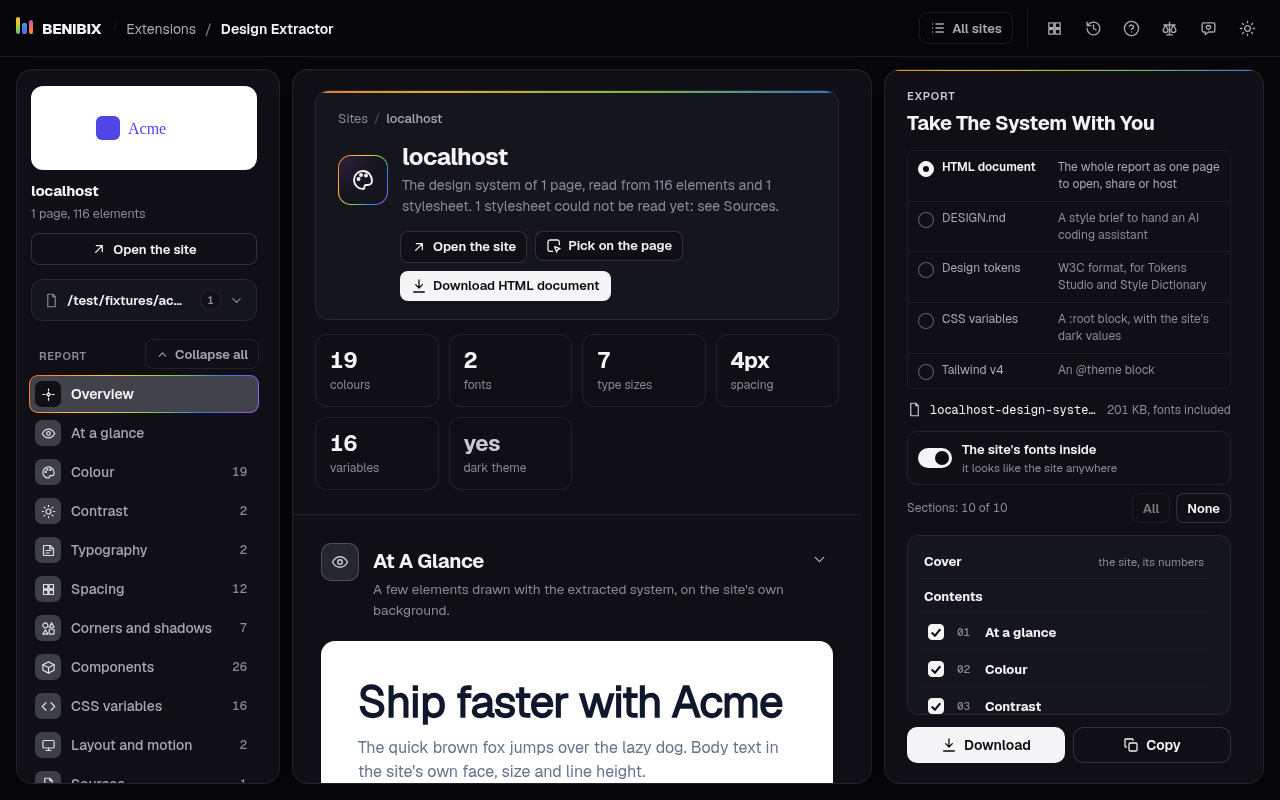
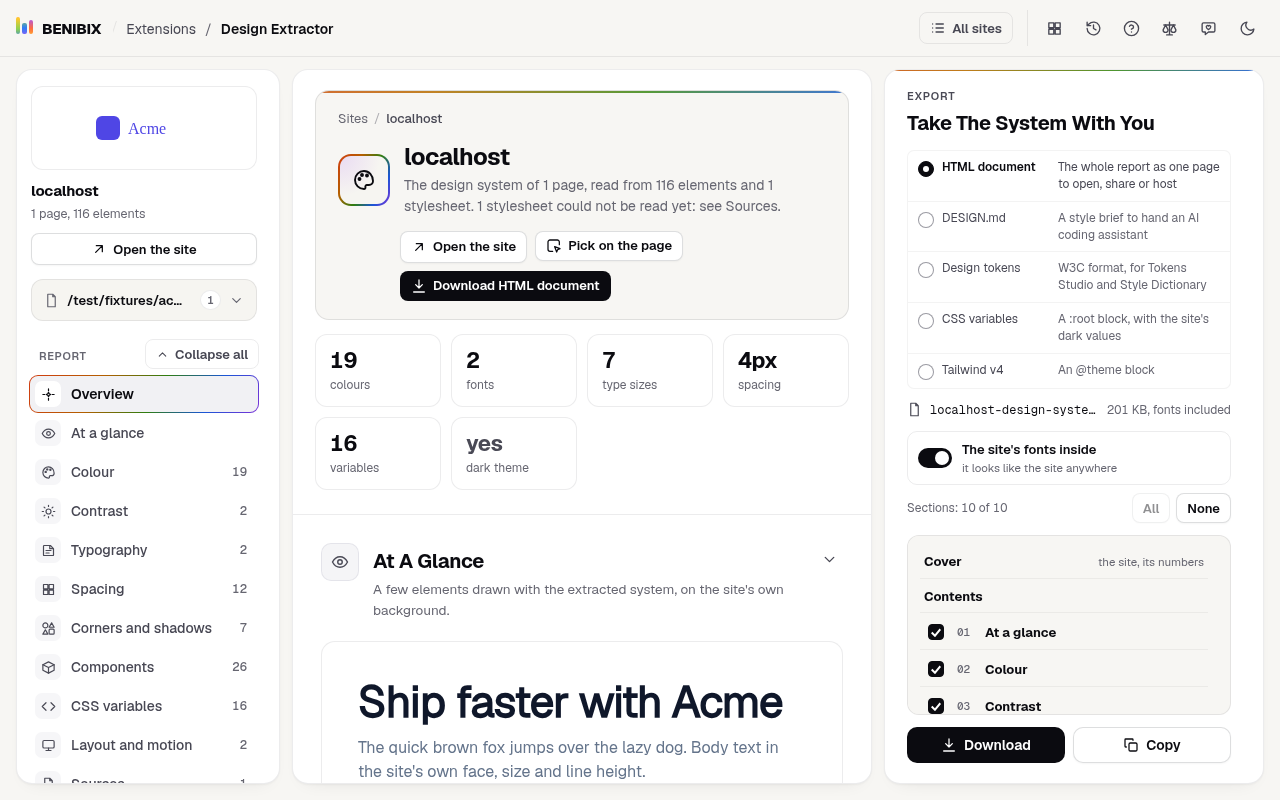
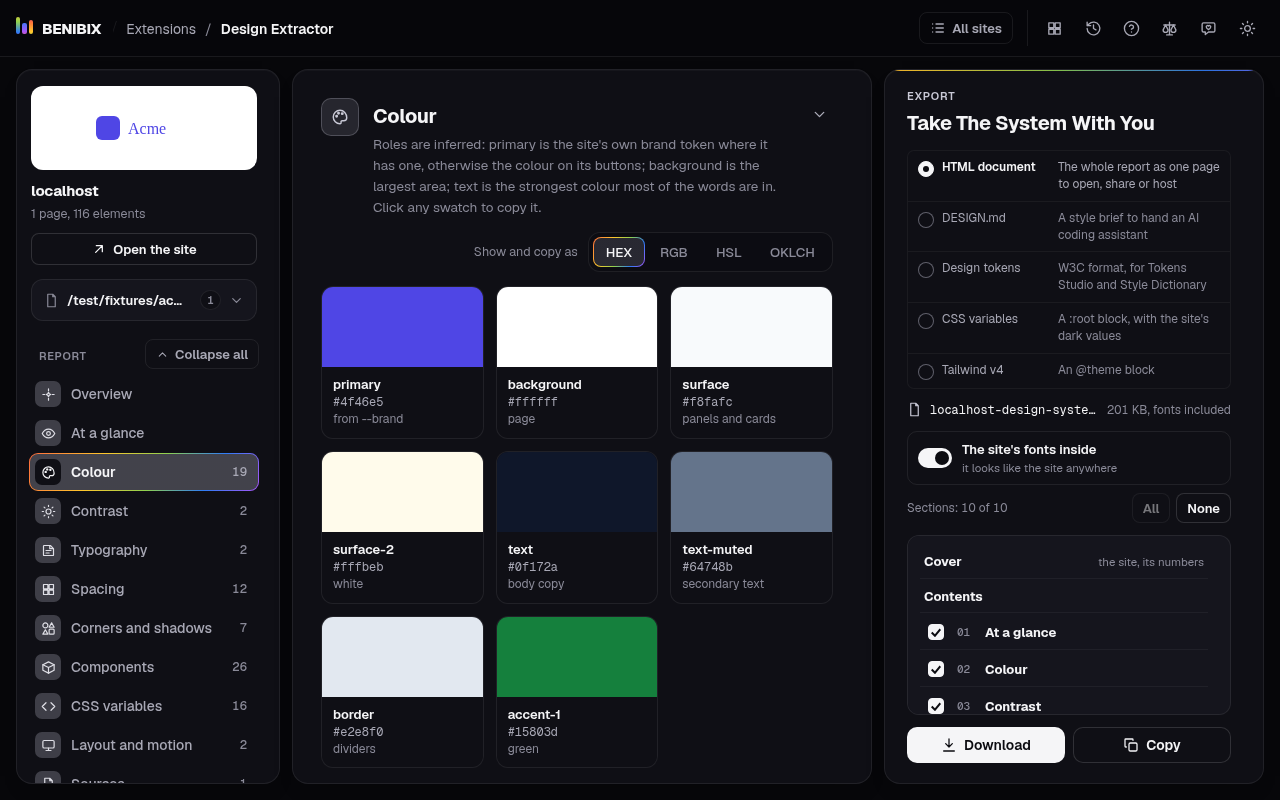
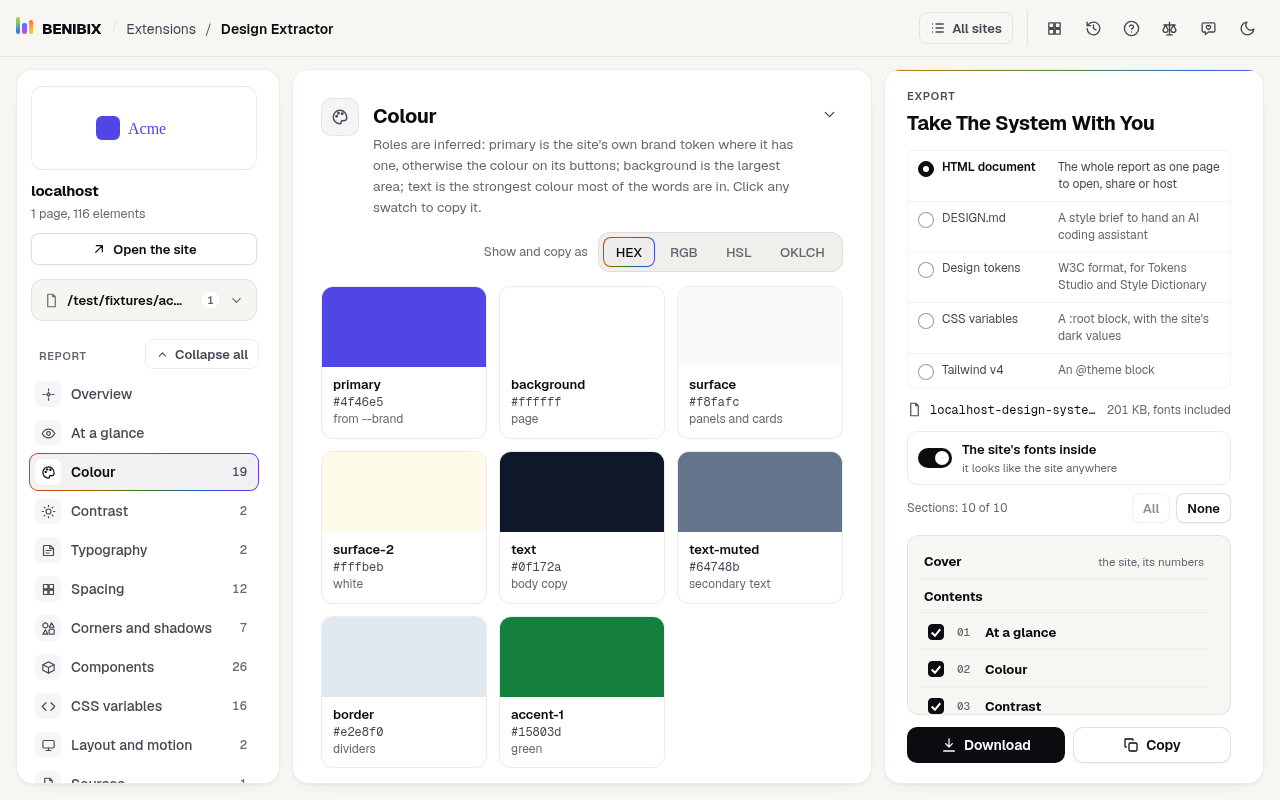
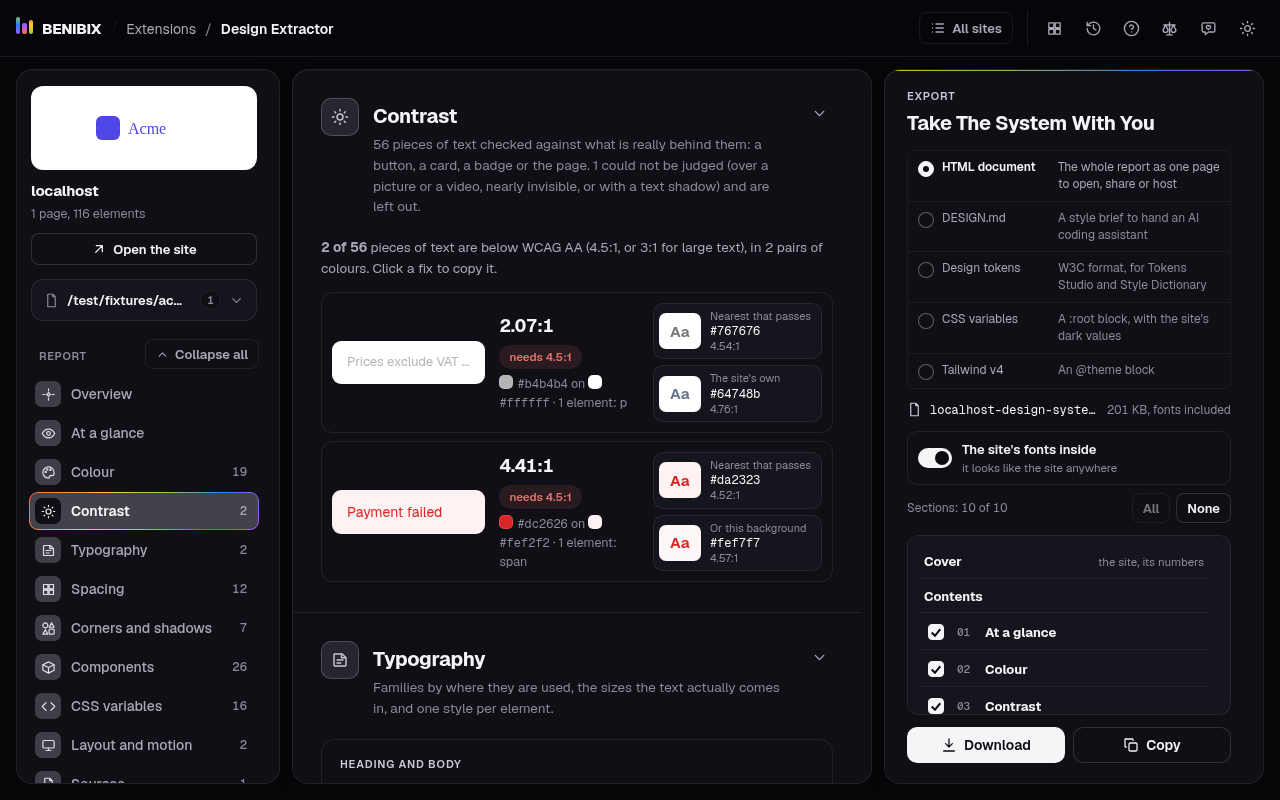
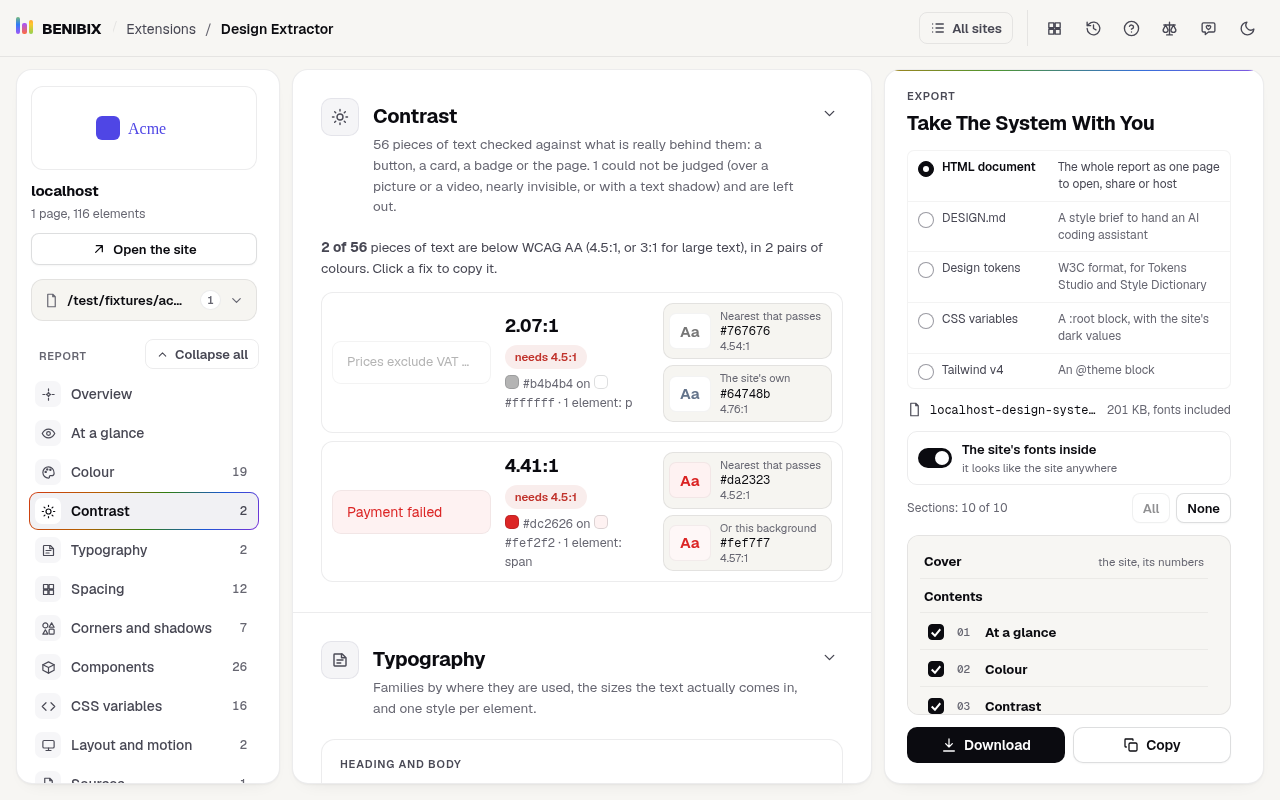
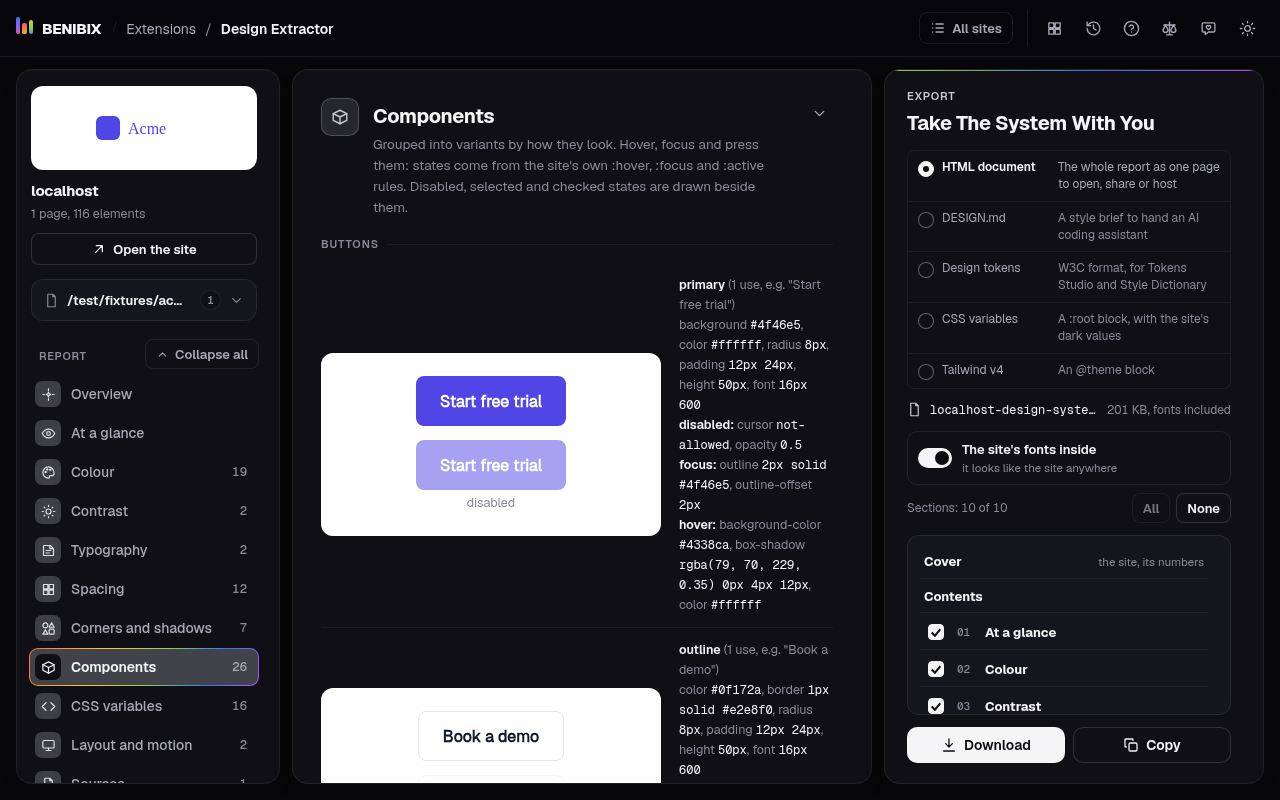
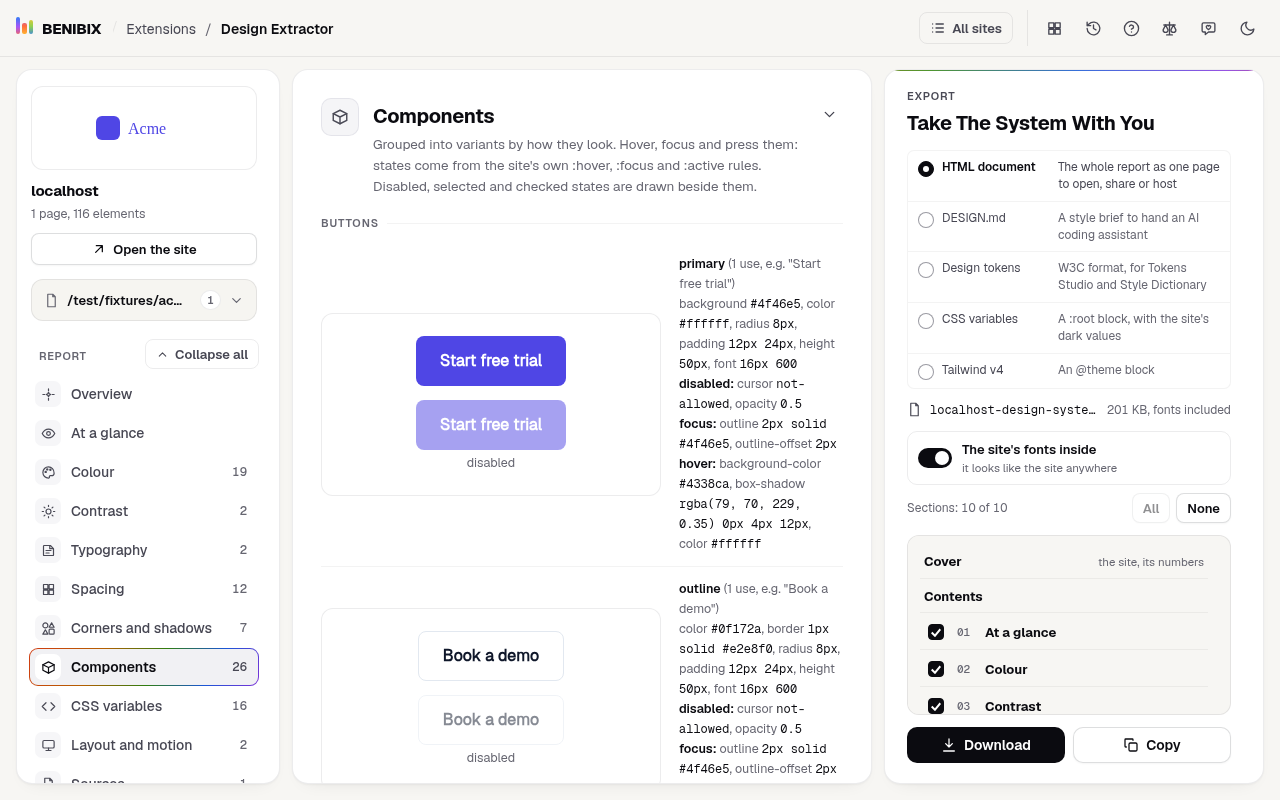
From a page you use to the result.
Design Extractor in three steps. Your browser keeps it in the toolbar, one click away.
- 01Open any websiteThe home page, a pricing page, a form: any page whose design you want.
- 02Click Design ExtractorOr press Alt+Shift+E. The report opens in the next tab with the site's design system.
- 03Export itPick a format in the Export pane and download or copy it. Read more pages of the site and the report combines them.
- DoneNew to extensions? How to add, pin and remove one.
Where it shows up in your browser
- 1Its button in the toolbarPin it next to the address bar and it is one press away.
- 2A right-click itemAn item in the menu you get when you right-click a page or a selection.
- 3On the pageIt works inside the page itself, only on the sites it may reach.
- 4A keyboard shortcutAlt+Shift+E or Alt+Shift+P by default; your browser lets you change it.
- Popup
- Side panel
- Settings page
How much it can see, and why.
Your browser shows these when you add it. Here is where it sits on the scale, each permission in plain words, and what happens with what it sees.
- NothingNo permissions at all.
- Only when you use itThe tab or text you click it on, at that moment.
- Sites it namesOr your list of tabs, history or bookmarks.
- Every site you visitIt can read the pages you open.
- The tab you click it on, only thenTo read the page you are on, only when you click its button, press its shortcut or choose its right-click item, and only that tab.
activeTab - Run its code on pages it may reachTo run its reader, and Pick, on the page in that tab after your click. The reader measures the drawn page and returns its colours, fonts, spacing and components.
scripting - Keep its settings in your browserTo keep what it read on your device, so the report and the list of sites are there when you come back.
storage - Keep more than the usual amount in your browserA site's report keeps the font files it uses, so the type is shown in the real fonts. A site can take a few megabytes, more than the usual quota.
unlimitedStorage - Add items to the right-click menuTo add "Pick an element's design" to the right-click menu of a page.
contextMenus
- A site of its ownAsked for while you use it, for one domain at a time, never at install: to read a site's stylesheets that are served from another domain the page cannot read.Chrome
Read and change all your data on all websites
FirefoxAccess your data for all websites
https://*/*http://*/*
- The design of the page you click it on: colours, fonts, sizes, spacing, components, stylesheets and the font files the page loaded.
- A few words of the page's text, such as button labels, headings and links, to show each style with its own words.
- The element you point at while Pick is open.
- To show the site as it is, it loads the site's own stylesheets, font files, logo and icon from where the site serves them, as the page itself does; nothing of yours is sent with them.
- The pages it read, their font files and your settings, in this browser only.
- For each page: its address and when it was read, so the report can list the pages of a site.
- A file you download or text you copy goes only where you put it: your downloads folder or your clipboard.
- Forget this site, Forget all or removing the extension deletes it.
Nothing leaves your browser.
The latest release.
Your browser updates it by itself.
First Release
- Click any website, or press Alt+Shift+E: its colours, type, spacing, corners, shadows, breakpoints, motion, components and CSS variables in one report.
- Colours with their roles (primary, background, text, surfaces, borders, states), a neutral scale and every colour the site uses, shown and copied as HEX, RGB, HSL or OKLCH.
- Contrast: every piece of text checked against what is really behind it, with the nearest colour that passes WCAG AA.
- Type samples in the site's real fonts, with the type scale, one style per element and where to get each font.
Design Extractor questions, answered.
Does it read pages on its own?
No. It reads a page only when you click its button, press its shortcut or choose its right-click item, and only that tab.
Why does it ask for access to a site later?
Some sites serve their stylesheets from another domain the page cannot read. The report offers to read those too, and asks your browser first, for that domain only.
Does anything leave my browser?
No. What it reads stays in this browser, and nothing goes to BENIBIX or anyone else. To show the site as it is, the report loads the site's logo and icon from the site's own address, and the reader fetches the stylesheets and font files the page uses from where the site serves them.
Is Design Extractor made by one of the companies it names?
No. Design Extractor is independent: it is not made, endorsed or supported by Google, Mozilla or Tailwind Labs. Product names on this page are their owners' trademarks, used only to say what it works with.
Something to fix, or to add?
Tell me what does not work in Design Extractor, or what it should do next. Send it privately to my inbox, or post it as a public issue on GitHub. I read every one.
Add Design Extractor to your browser.
Any website's design system in one click: colours, type, spacing and components, as design tokens, CSS, Tailwind or DESIGN.md.
One job each, right where you are.
Design Extractor is independent: it is not made, endorsed or supported by Google, Tailwind Labs or Mozilla. “Chrome” and “Chrome Web Store” are trademarks of Google LLC, “Tailwind CSS” of Tailwind Labs Inc. and “Firefox” of the Mozilla Foundation; they are used here only to say what it works with or refers to.