Chrome and Firefox
Design Extractor
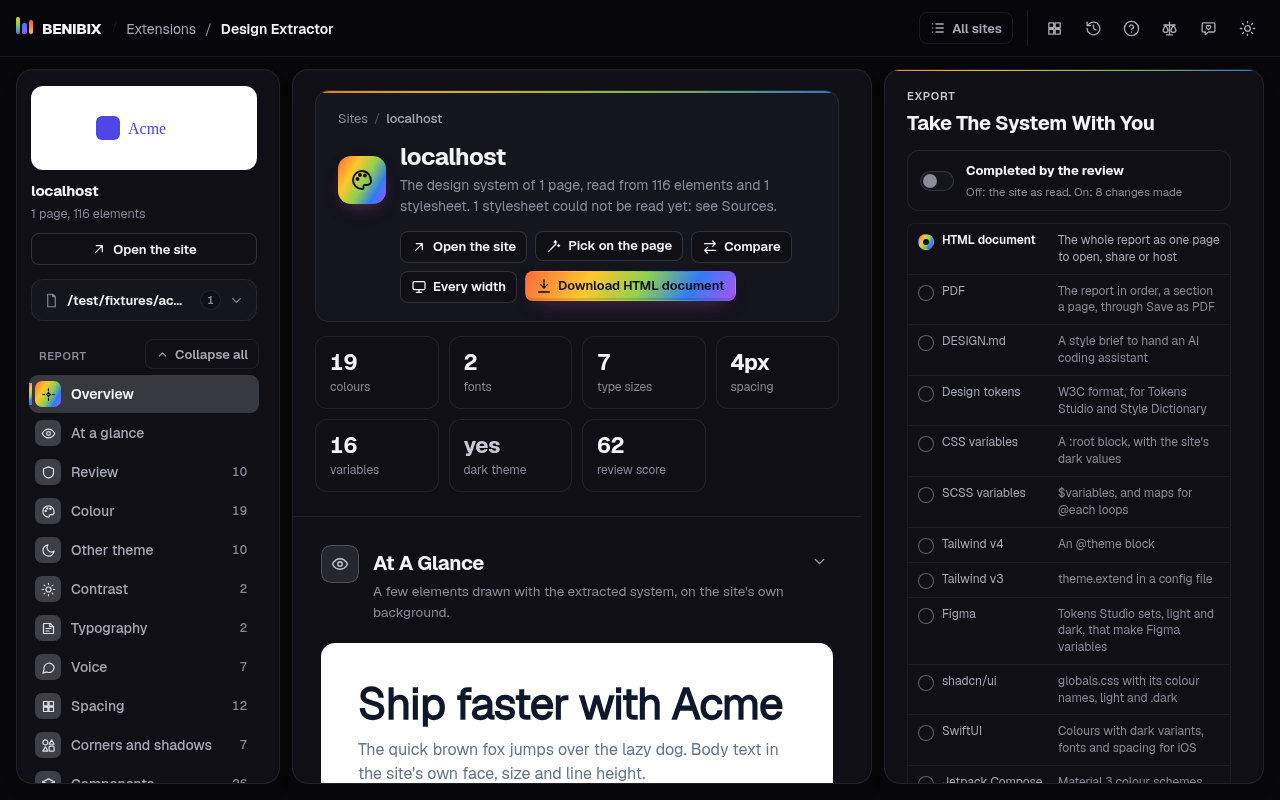
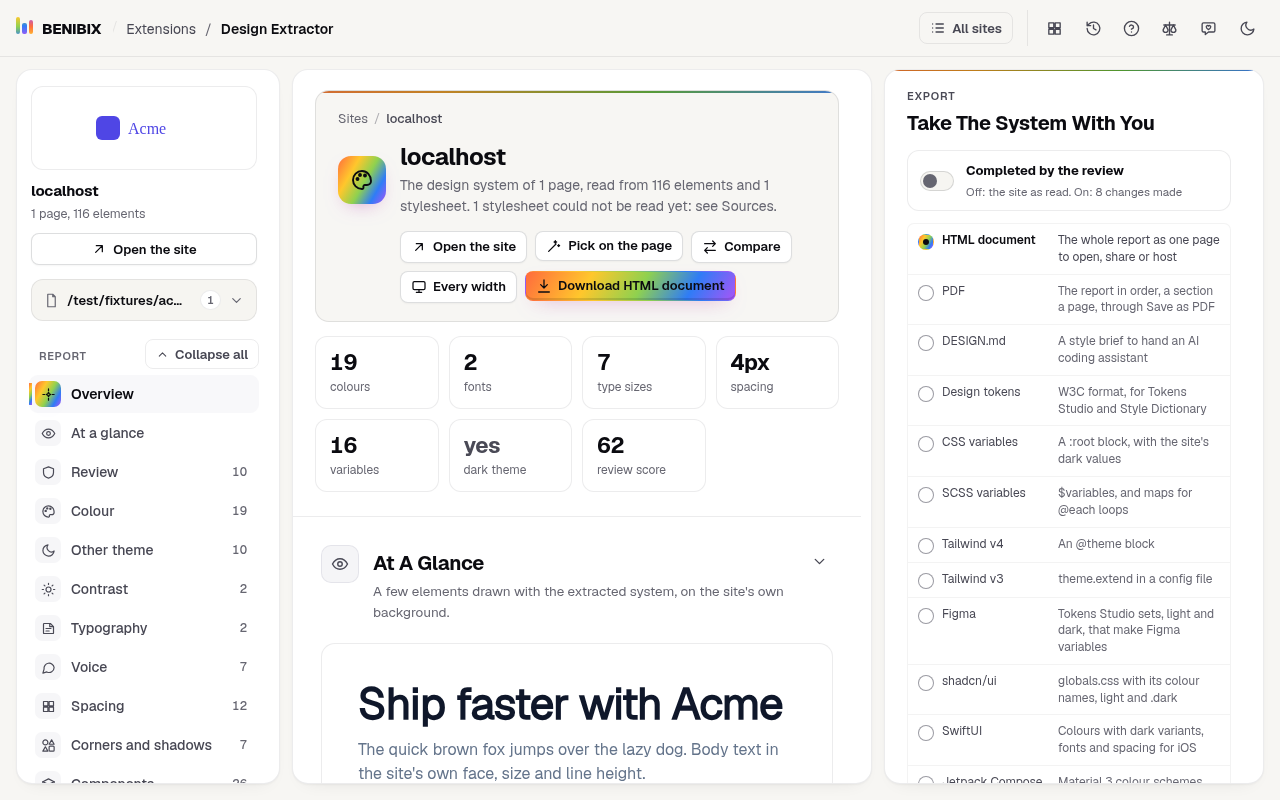
Any website's design system in one click: colours, type, spacing and components, as design tokens, CSS, Tailwind or DESIGN.md.
Coming soon
Browser extensions for Chrome and Firefox that do one job on the pages you already use. Each one asks only for the permissions that job needs, says which in plain words, and keeps what it sees in your browser.
Each one is tested, focused and explained: open a card to read what it does and every permission it asks for, or add it straight to your browser.
Any website's design system in one click: colours, type, spacing and components, as design tokens, CSS, Tailwind or DESIGN.md.
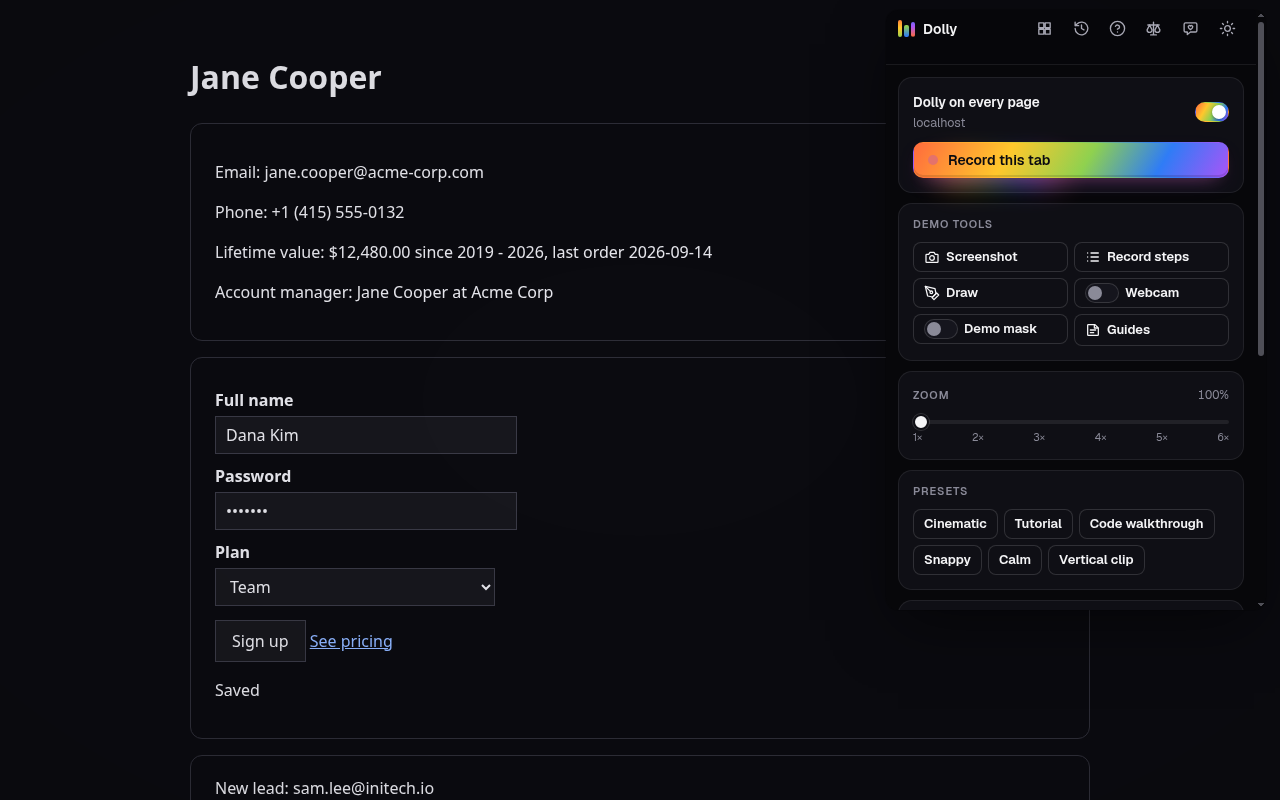
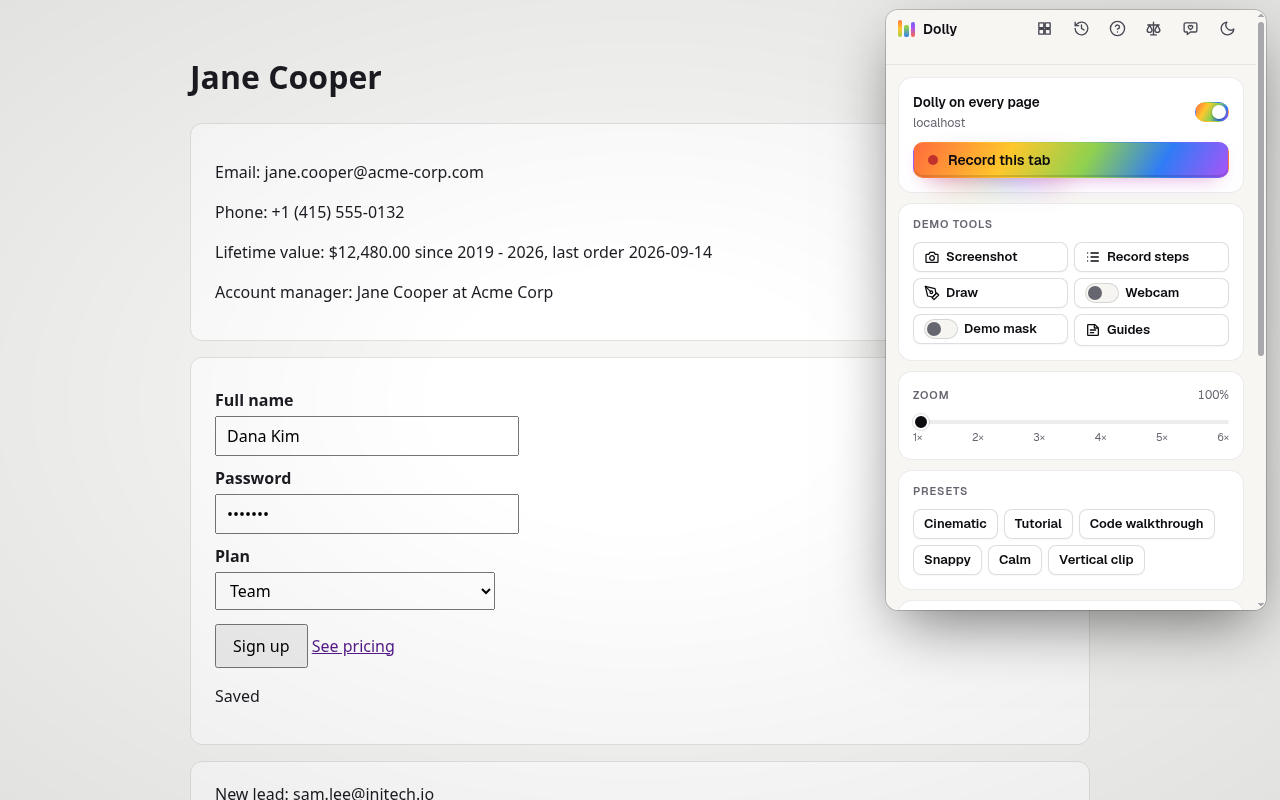
Smooth cinematic zoom, camera moves, motion blur and tab recording for screen recordings and live demos, right in the browser.
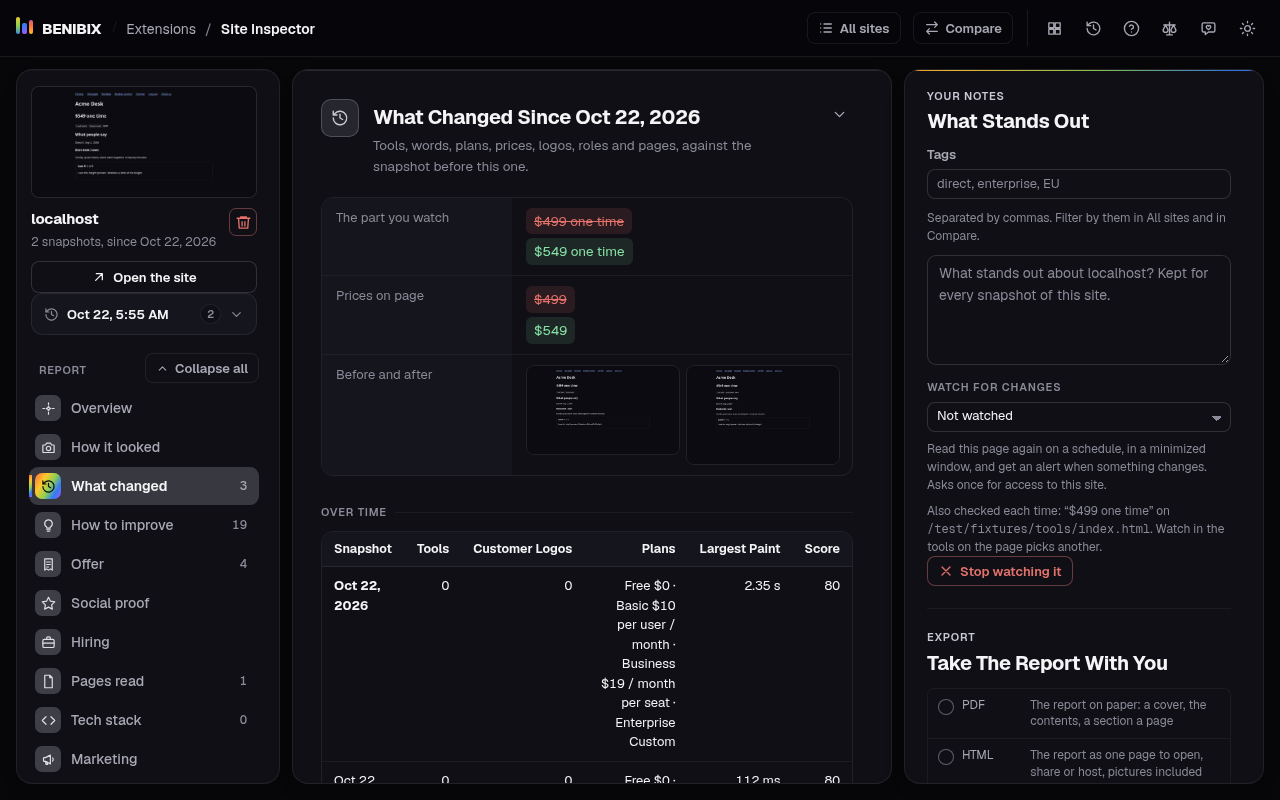
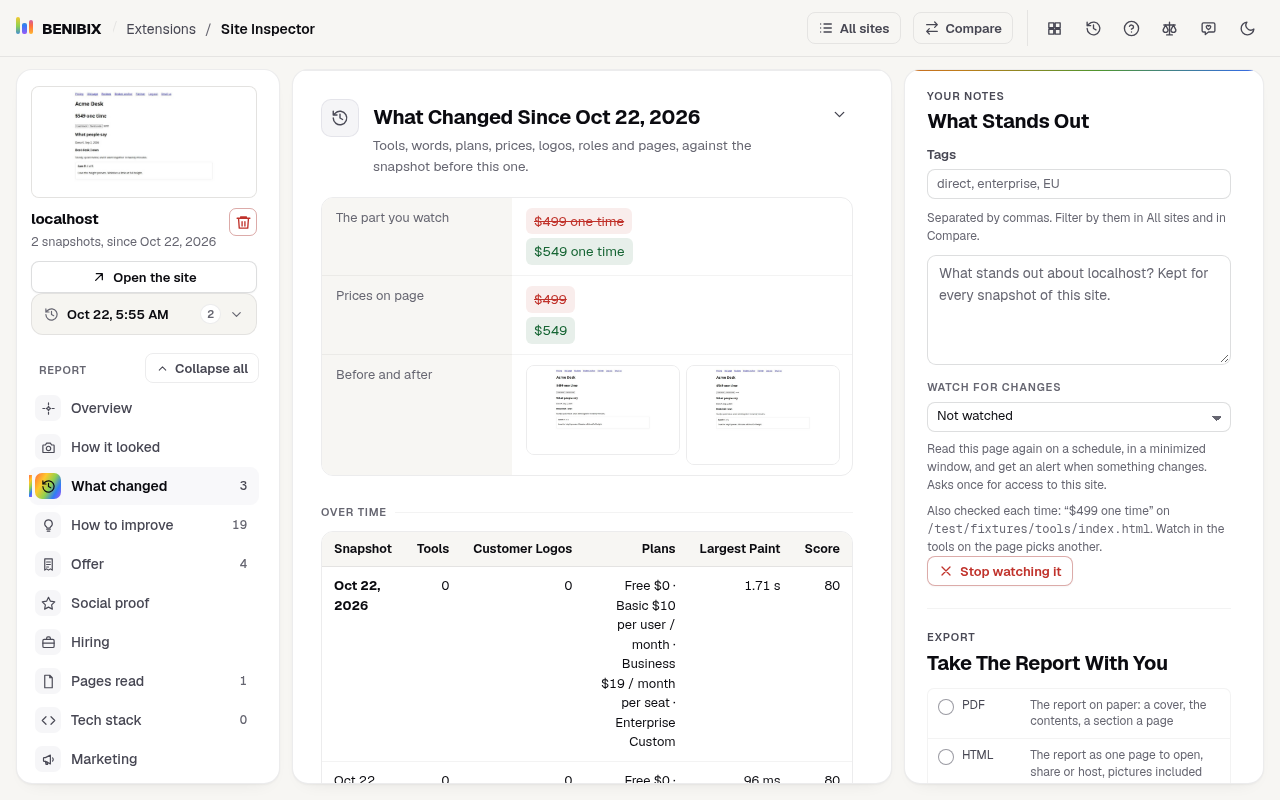
Tech stack, trackers, pricing, sitemap, SEO, design and speed of any website in one report. Compare competitors side by side.
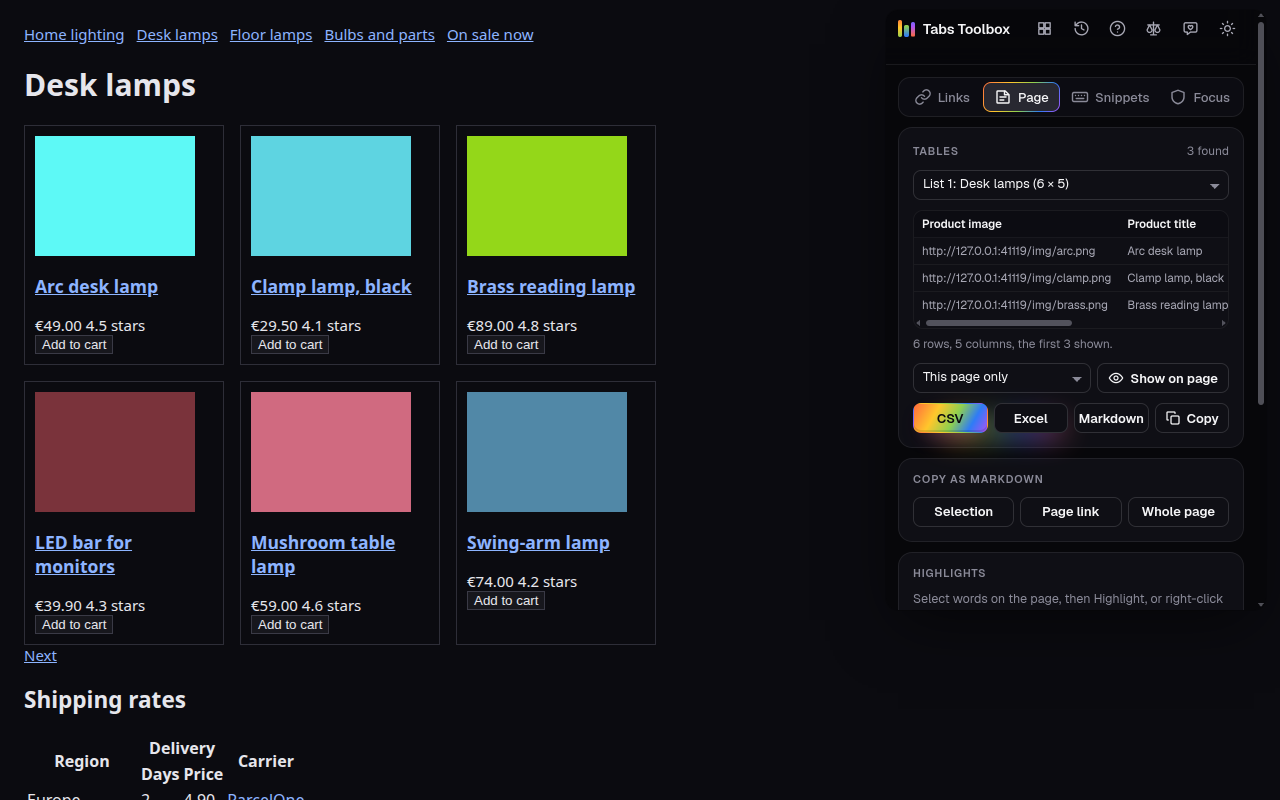
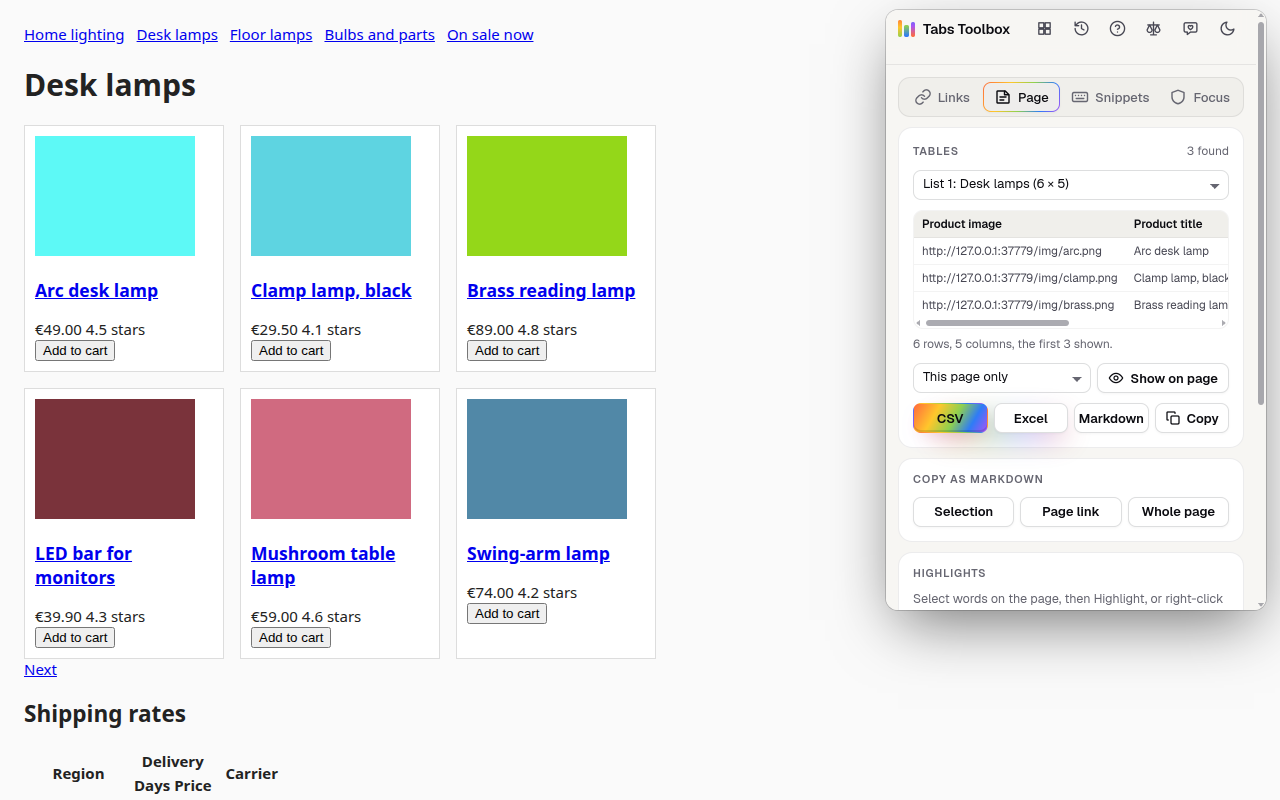
Open links on a pace, export tabs, grab tables, copy as Markdown, highlight pages, fill test forms, type snippets, block sites.
Press an extension's button and it opens on the page you are on, does its one job and gets out of the way. No new tab, no account, no detour.
One site for every extension: its page, its privacy policy and its place in both stores, one click apart.
What it does, every permission it asks for and why, and what it reads, keeps and sends.
One press in the Chrome Web Store or Firefox Add-ons. Your browser shows what it may do first.
Pin its button to the toolbar and press it where you need it. Remove it any time, nothing stays behind.
coming soonCFcoming soonCFcoming soonCFcoming soonCF/install//changelog/Chrome and Firefox on the desktop. Edge, Brave, Opera and Vivaldi add extensions from the Chrome Web Store, so the Chrome version works there too. Safari is not supported.
Each page lists what the extension reads, keeps and sends, and each has its own privacy policy. None has an account, analytics or ads, and none sells or shares data.
Every browser lists what an extension may do before you add it. The extension's page here explains every item on that list, and why it is needed.
Right-click its button in the toolbar and pick Remove from Chrome, or Remove Extension in Firefox. The install guide has every step for both browsers.
To the public feedback board on GitHub (behnia137/benibix-feedback), where anyone can follow it.
BENIBIX is independent: it is not made, endorsed or supported by Google, Figma, Tailwind Labs or Mozilla. “Chrome”, “Chrome Web Store”, “Google Public DNS” and “YouTube” are trademarks of Google LLC, “Figma” of Figma, Inc., “Tailwind CSS” of Tailwind Labs Inc. and “Firefox” of the Mozilla Foundation; they are used here only to say what the extensions work with or refer to.